Clean Up
To avoid incurring unnecessary costs, you should clean up all AWS resources created during this workshop. Follow the steps below in order.
1. Empty and Delete S3 Bucket
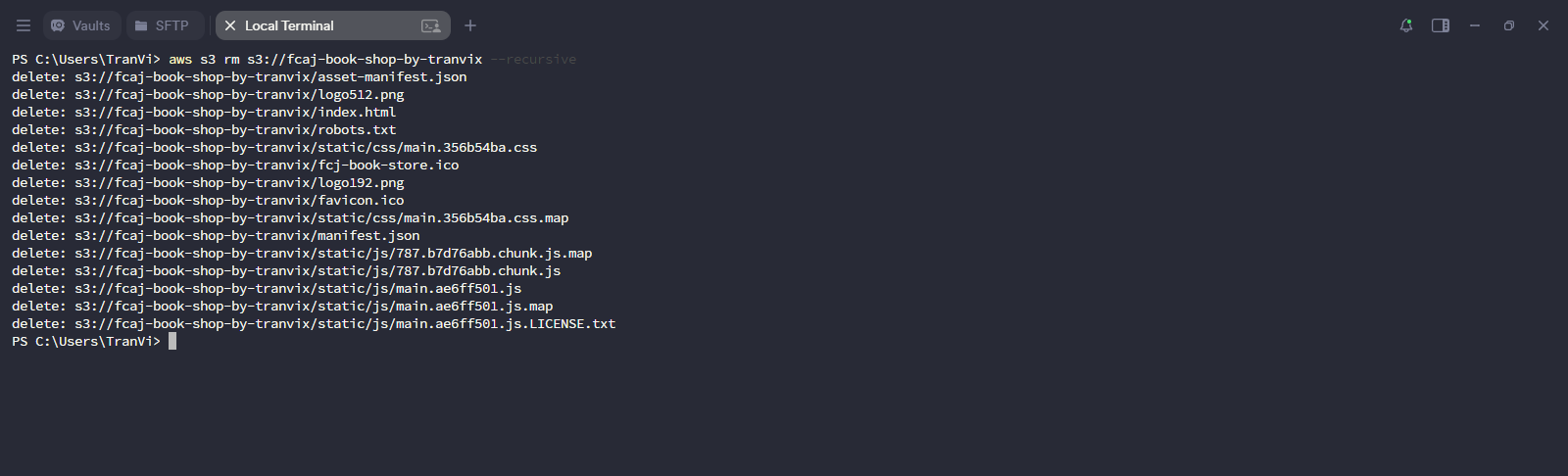
First, empty the S3 bucket using the AWS CLI:
aws s3 rm s3://fcaj-book-shop-by-tranvix --recursive
Replace fcaj-book-shop-by-tranvix with your actual S3 bucket name.
Next, delete the S3 bucket:
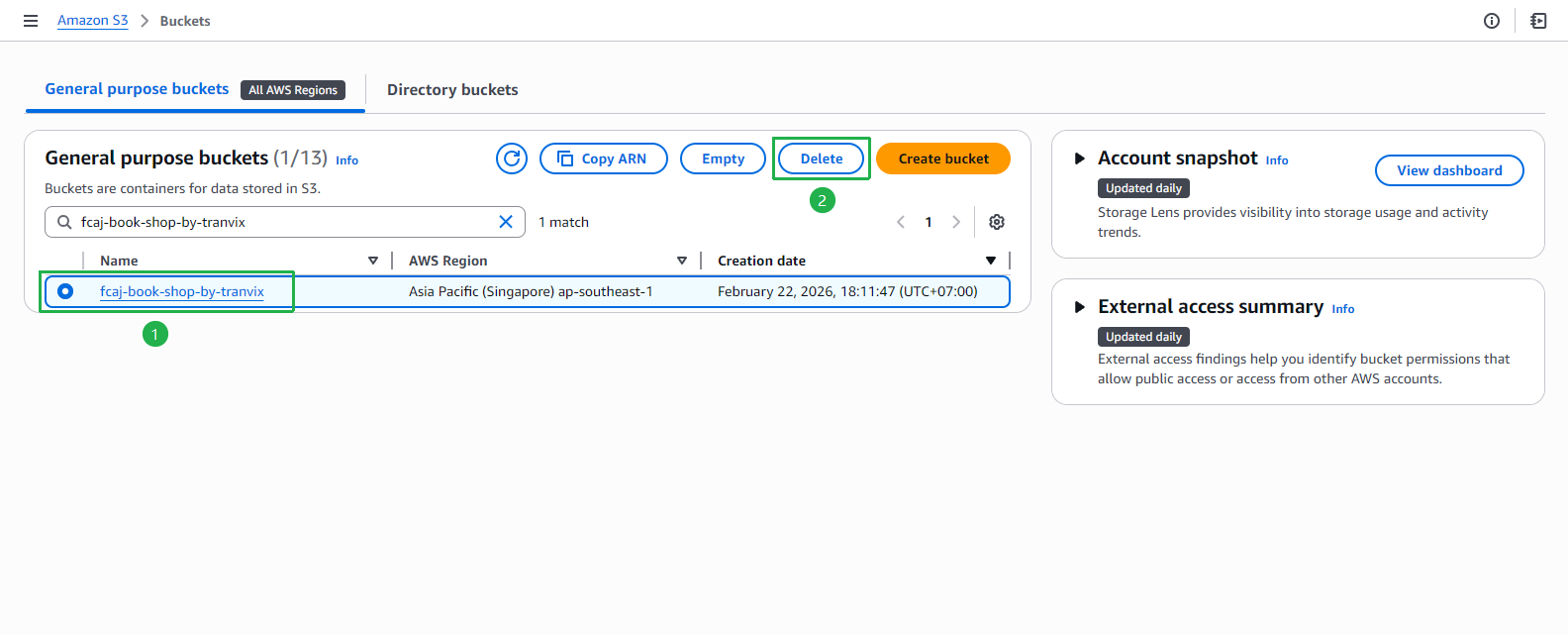
- Open Amazon S3 console.
- Search for and select your bucket.
- Click Delete.
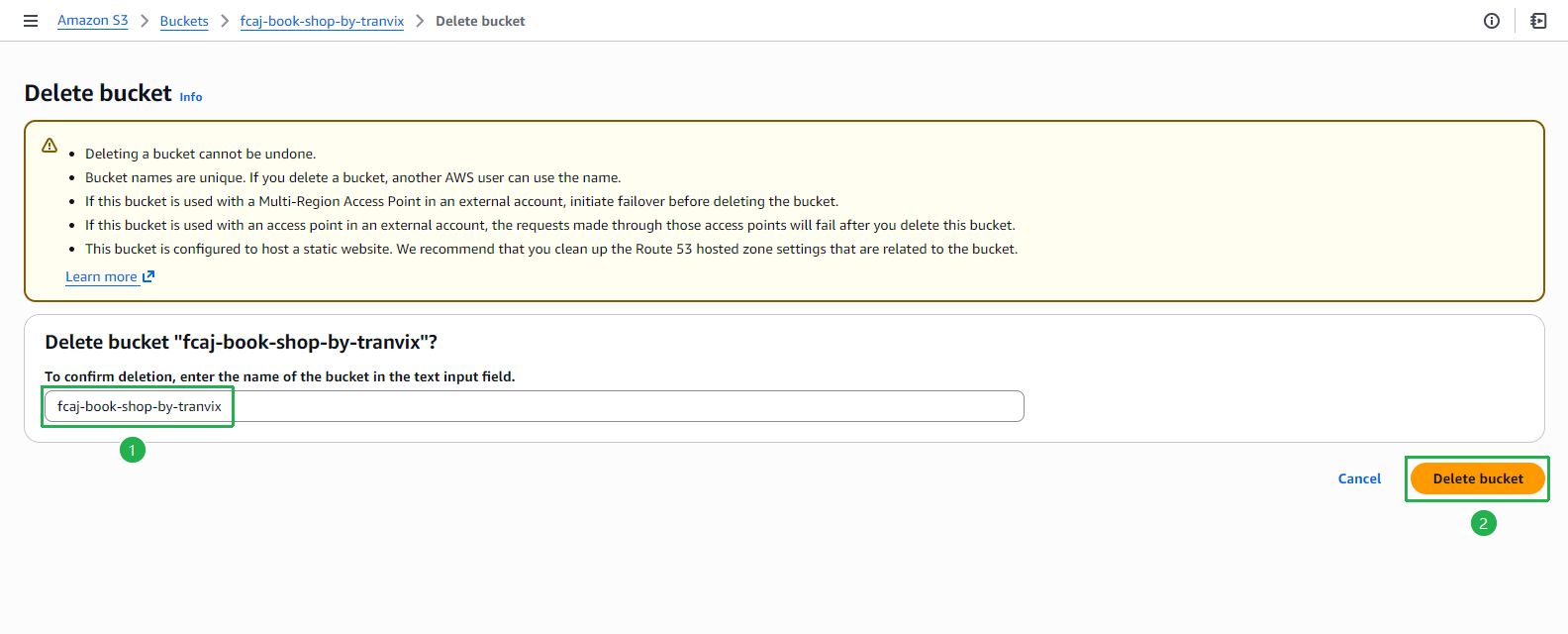
- Enter the bucket name to confirm deletion.
- Click Delete bucket.
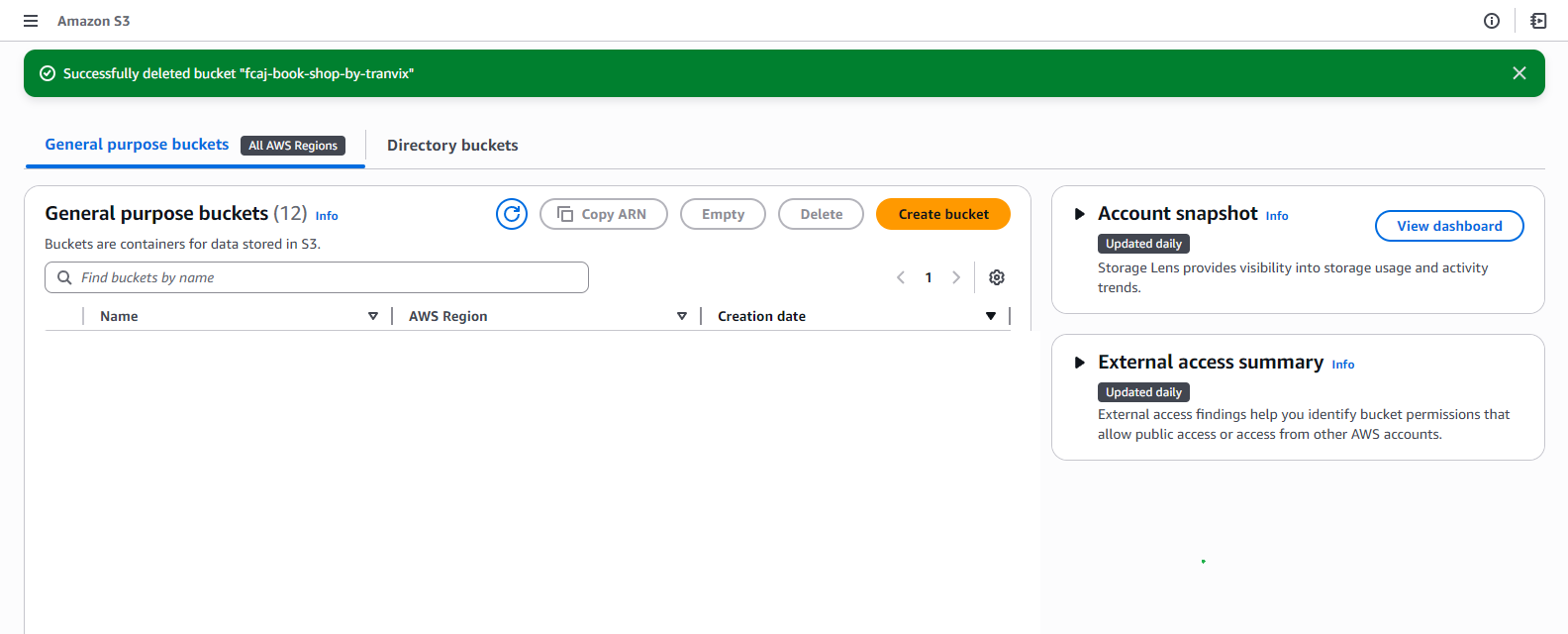
- The bucket is successfully deleted.
2. Delete CloudFormation Stack (SAM Application)
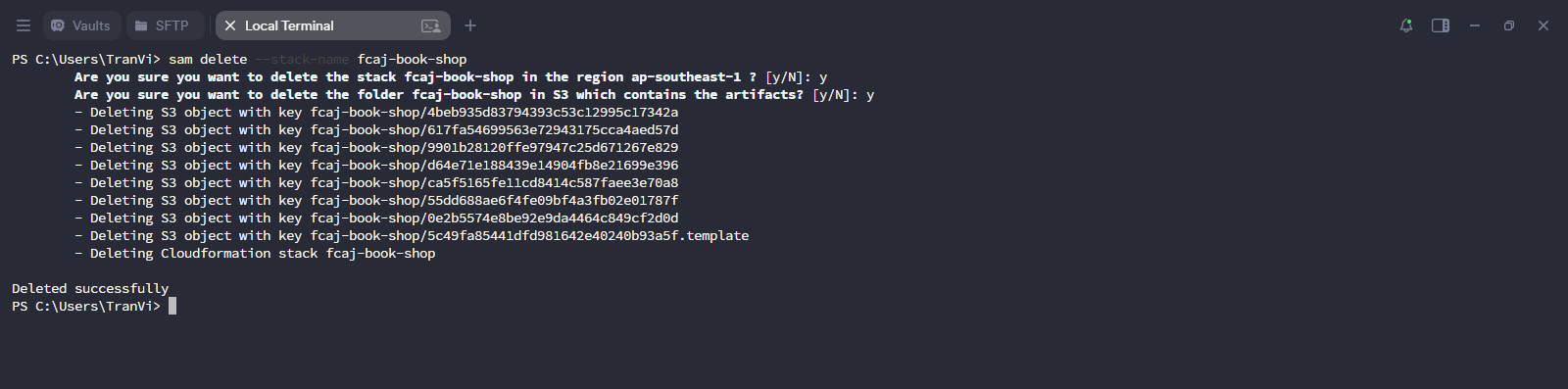
Run the following command to delete the SAM application and its CloudFormation stack:
sam delete --stack-name fcaj-book-shop
- When prompted, type
yto confirm deletion of the stack and the S3 artifacts folder. - Wait for the stack to be deleted successfully.
3. Delete CloudFront Distribution
- Open Amazon CloudFront console.
- Select the distribution you created.
- Click Disable and wait for it to be fully disabled.
- Once disabled, select the distribution again and click Delete.
- Confirm the deletion.
4. Delete SSL Certificate
- Open AWS Certificate Manager console.
- Select the certificate you created.
- Click Delete.
- Enter
deleteto confirm. - Click Delete.
You must delete the CloudFront distribution before deleting the SSL certificate, because the certificate is still in use by CloudFront.
5. Delete Hosted Zone
- Open Amazon Route 53 console.
- Click on the hosted zone you created.
- Select all records except NS and SOA records.
- Click Delete records and confirm.
- After deleting the records, click Delete zone.
- Enter
deleteto confirm. - Click Delete.
If you registered a domain through Route 53, the domain registration itself is separate from the hosted zone and cannot be refunded. However, you can disable auto-renewal to avoid future charges.