Preparation
Before getting to the main content of this workshop, we need to reset the web application using AWS SAM.
Deploy the Backend (SAM)
Download the source code below and extract it to your working directory.
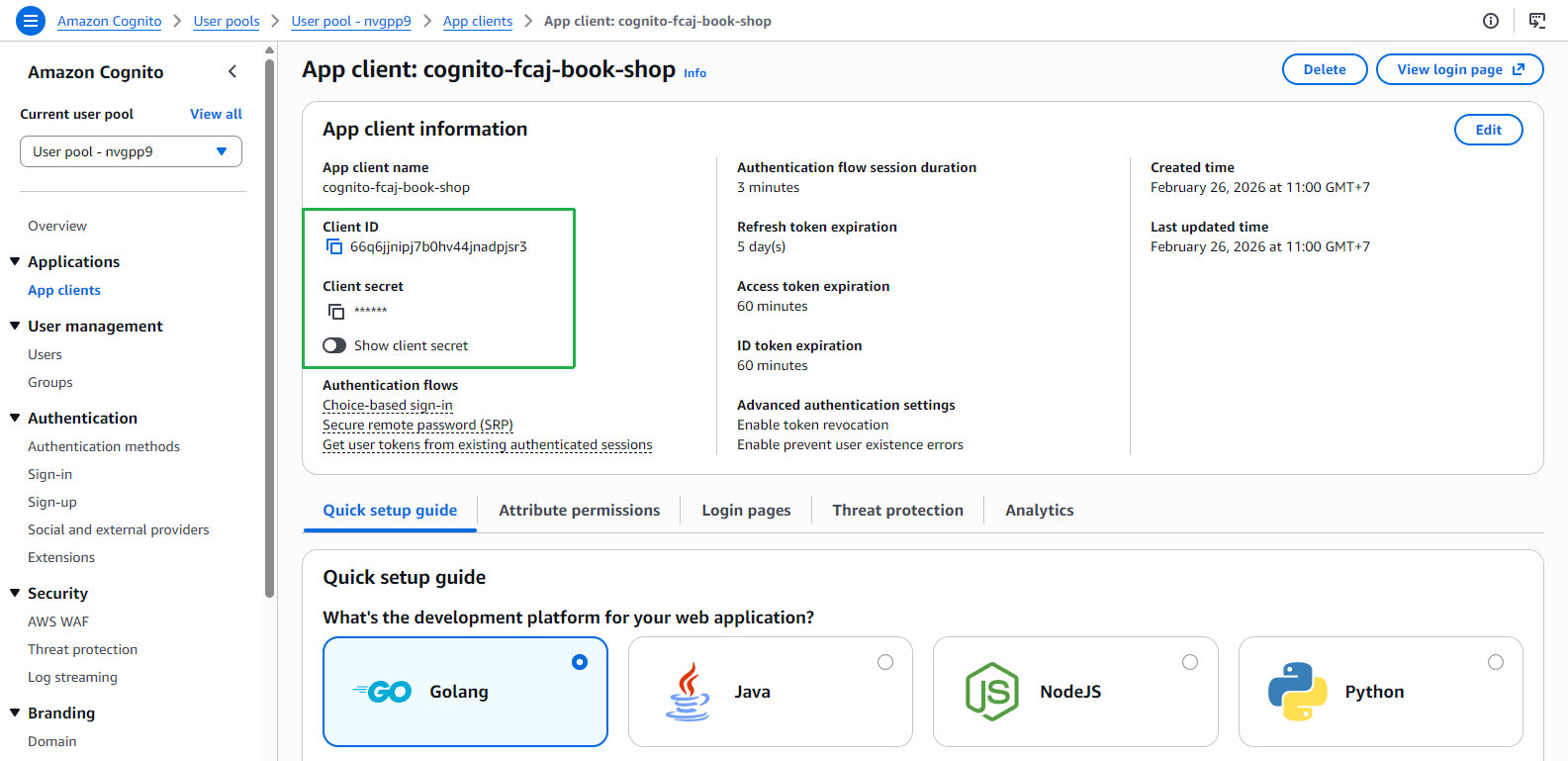
Before deploying, retrieve the Cognito App Client ID and Cognito App Client Secret.
- Navigate to Amazon Cognito → User pools → select your User Pool → App clients → select your App Client.
- Note down the Client ID and Client Secret.
Open a terminal in the extracted source code folder and run the following commands.
Ensure you have the AWS CLI and SAM CLI installed and configured with valid AWS credentials before running the commands.
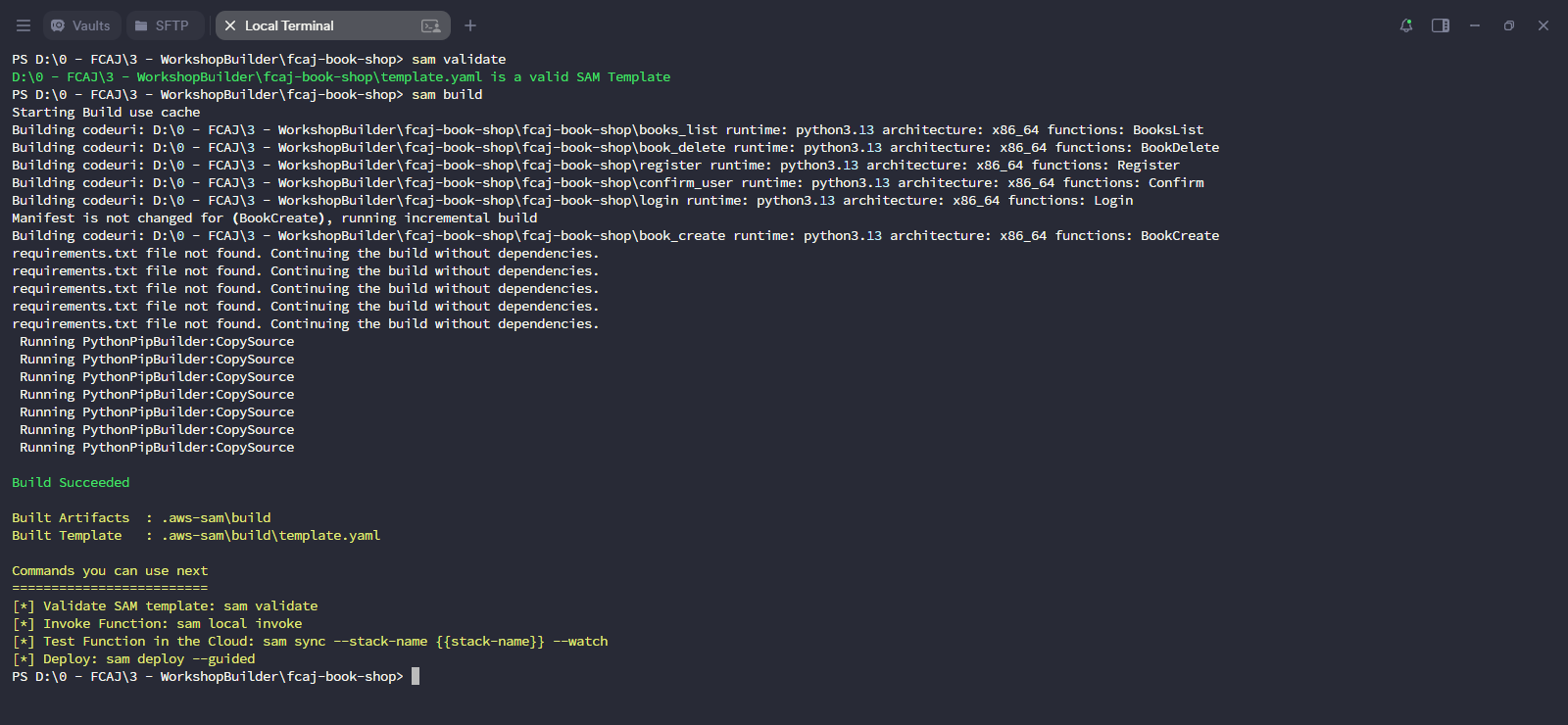
sam validate
sam build
sam deploy --guided
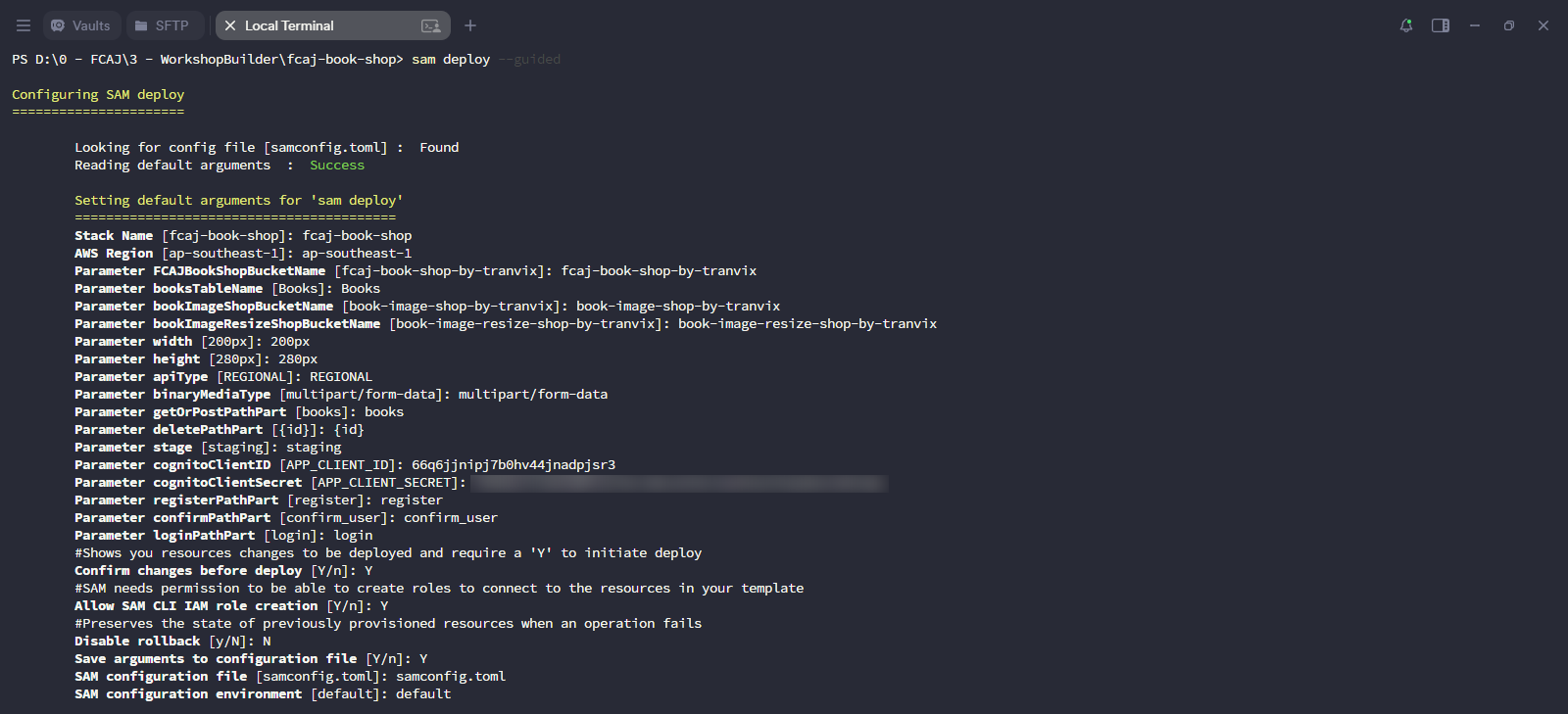
When prompted, enter the following values. Leave others as default.
- Stack Name:
fcaj-book-shop - AWS Region:
ap-southeast-1 - Parameter FCAJBookShopBucketName:
fcaj-book-shop-by-tranvix - Parameter cognitoClientID: (paste the Client ID from step 2)
- Parameter cognitoClientSecret: (paste the Client Secret from step 2)
- Confirm changes before deploy [Y/n]:
y - Allow SAM CLI IAM role creation [Y/n]:
y - Disable rollback [y/N]:
n - Save arguments to configuration file [Y/n]:
y
- Stack Name:
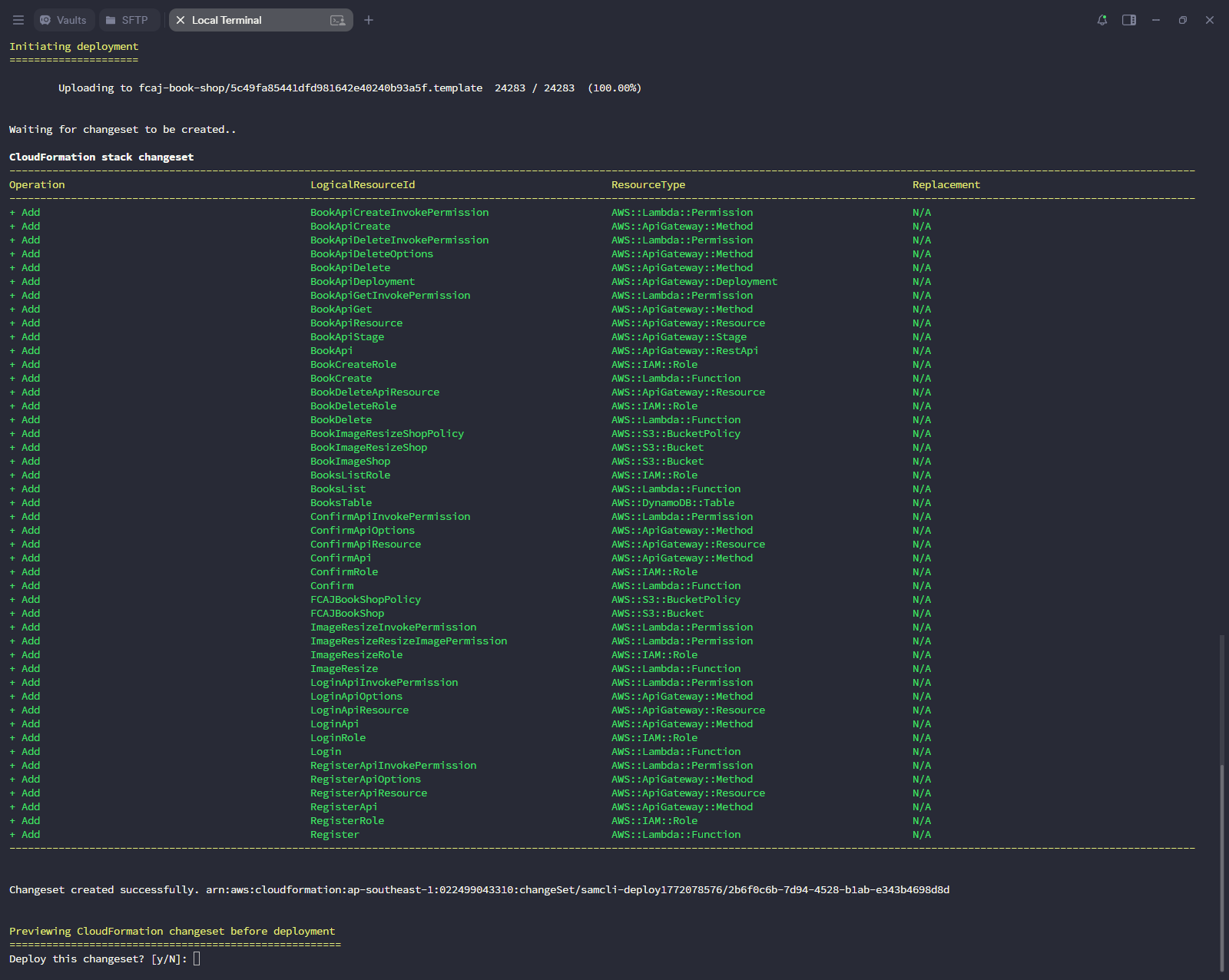
Review the CloudFormation changeset that lists all resources to be created, then confirm the deployment.
Wait for CloudFormation to finish creating all resources. The deployment is complete when the stack status shows
CREATE_COMPLETE.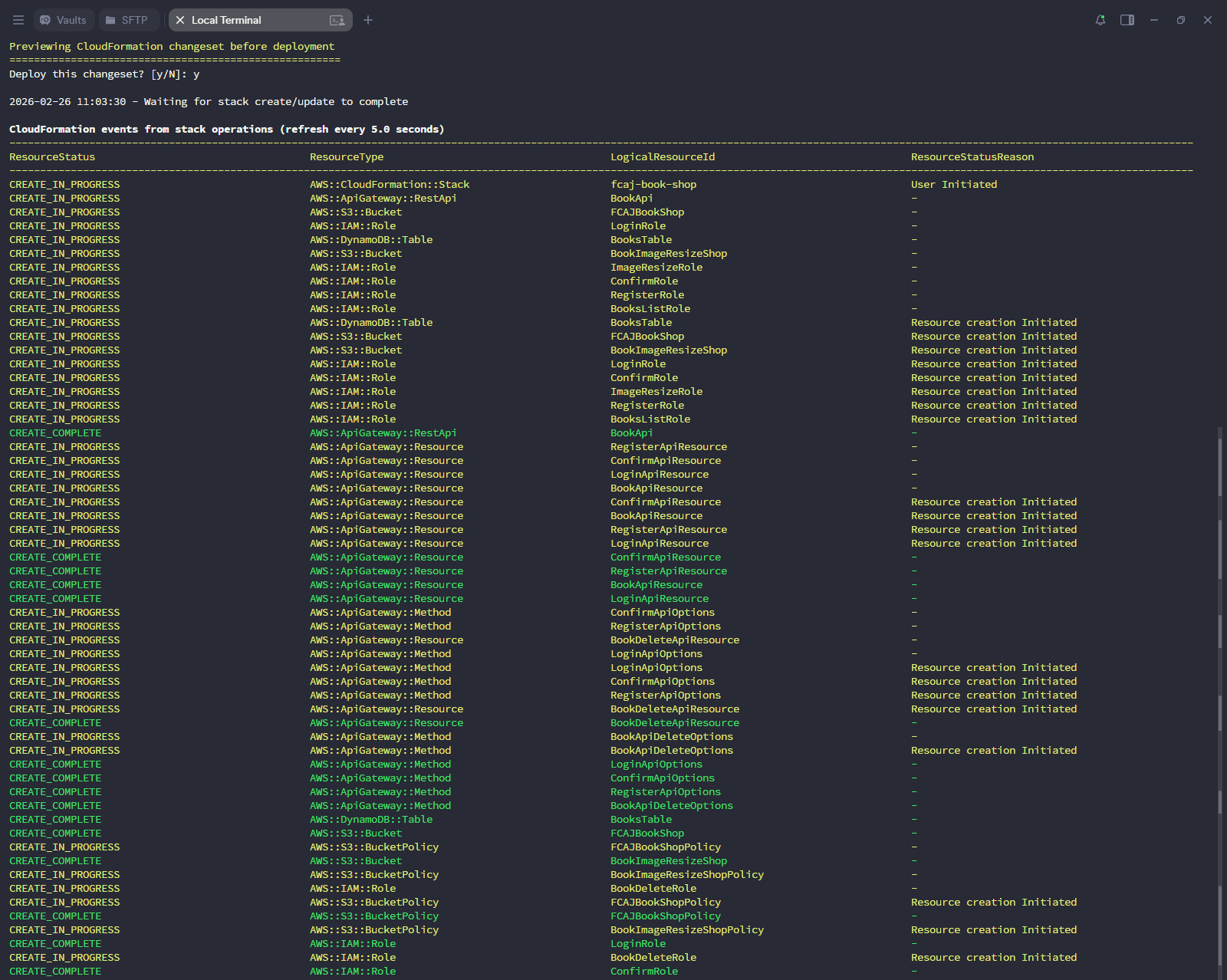
Build and Upload the Frontend
Clone the FCAJ Workshop Serverless frontend repository.
- Open a terminal in the folder where you want to save the source code.
- Run the following commands.
git clone https://github.com/tranvix0910/FCAJ_Workshop-Serverless.git
cd FCAJ_Workshop-Serverless
Install the project dependencies.
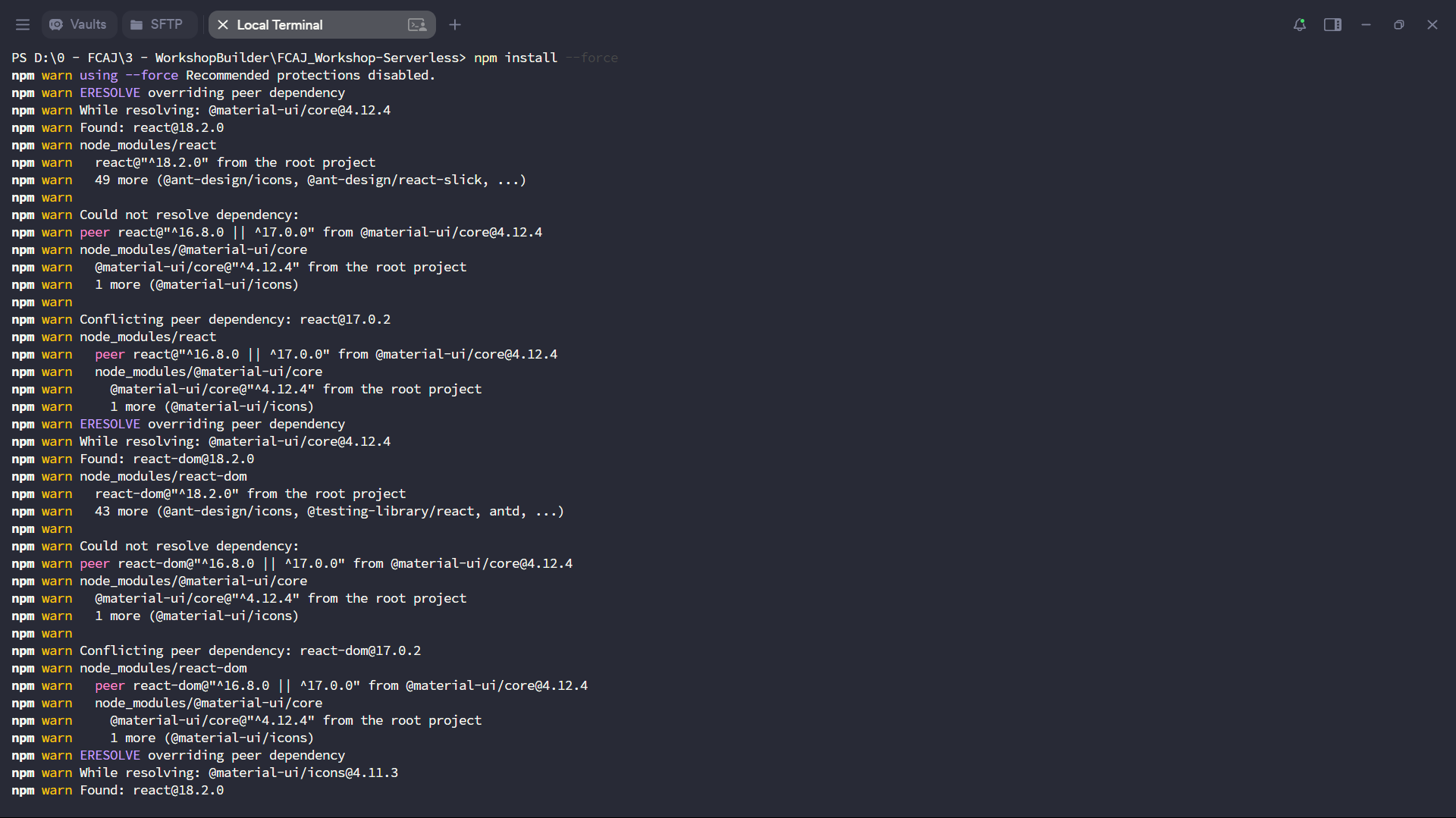
npm install --force
If npm install (without --force) fails due to dependency conflicts such as ERESOLVE overriding peer dependency, use npm install --force to force the installation even though some packages are outdated.
Build the front-end application.
npm run build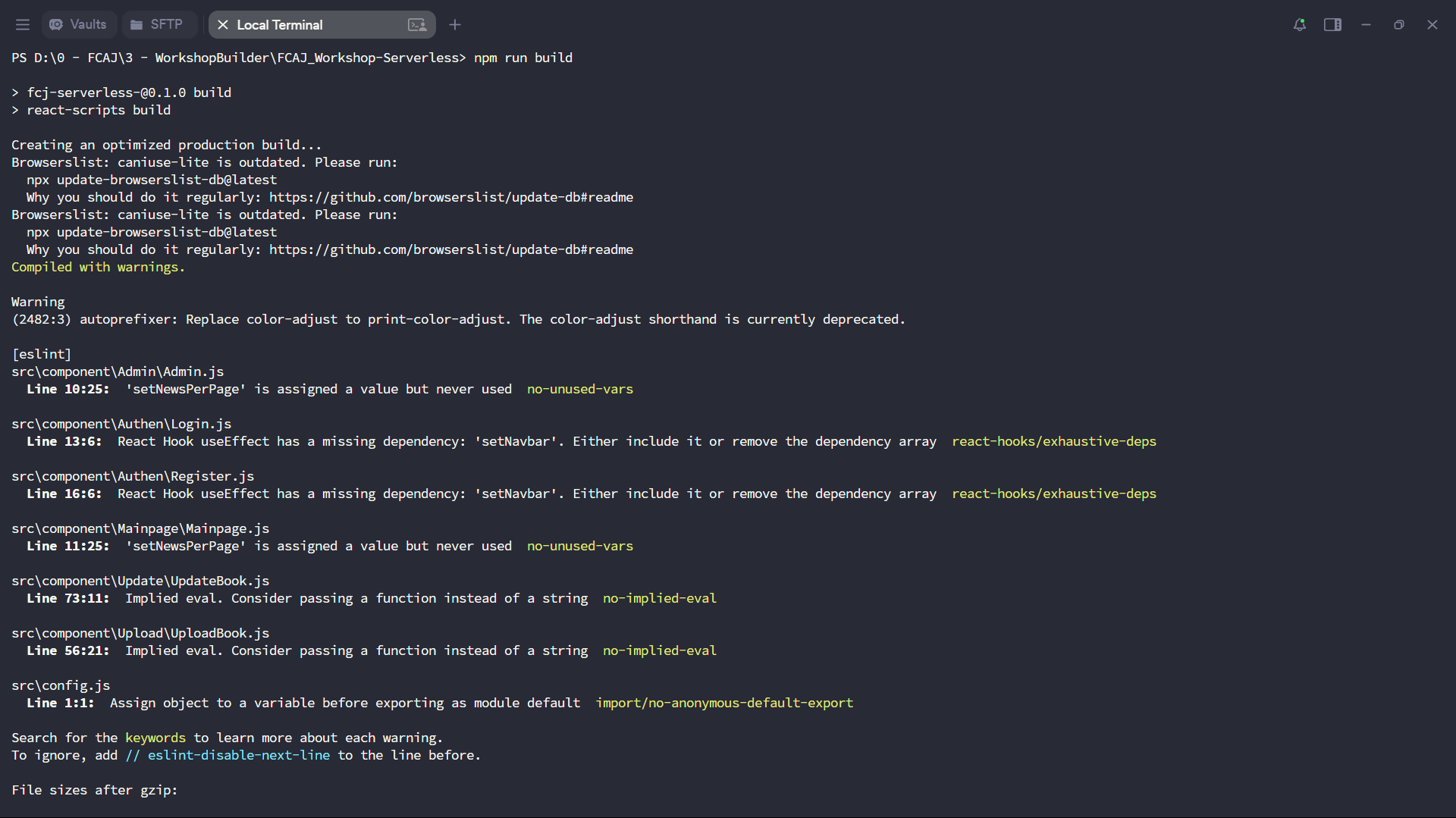
Upload the build folder to your S3 bucket.
aws s3 cp build s3://fcaj-book-shop-by-tranvix --recursive
Replace fcaj-book-shop-by-tranvix with the name of the S3 bucket you created during the sam deploy step.
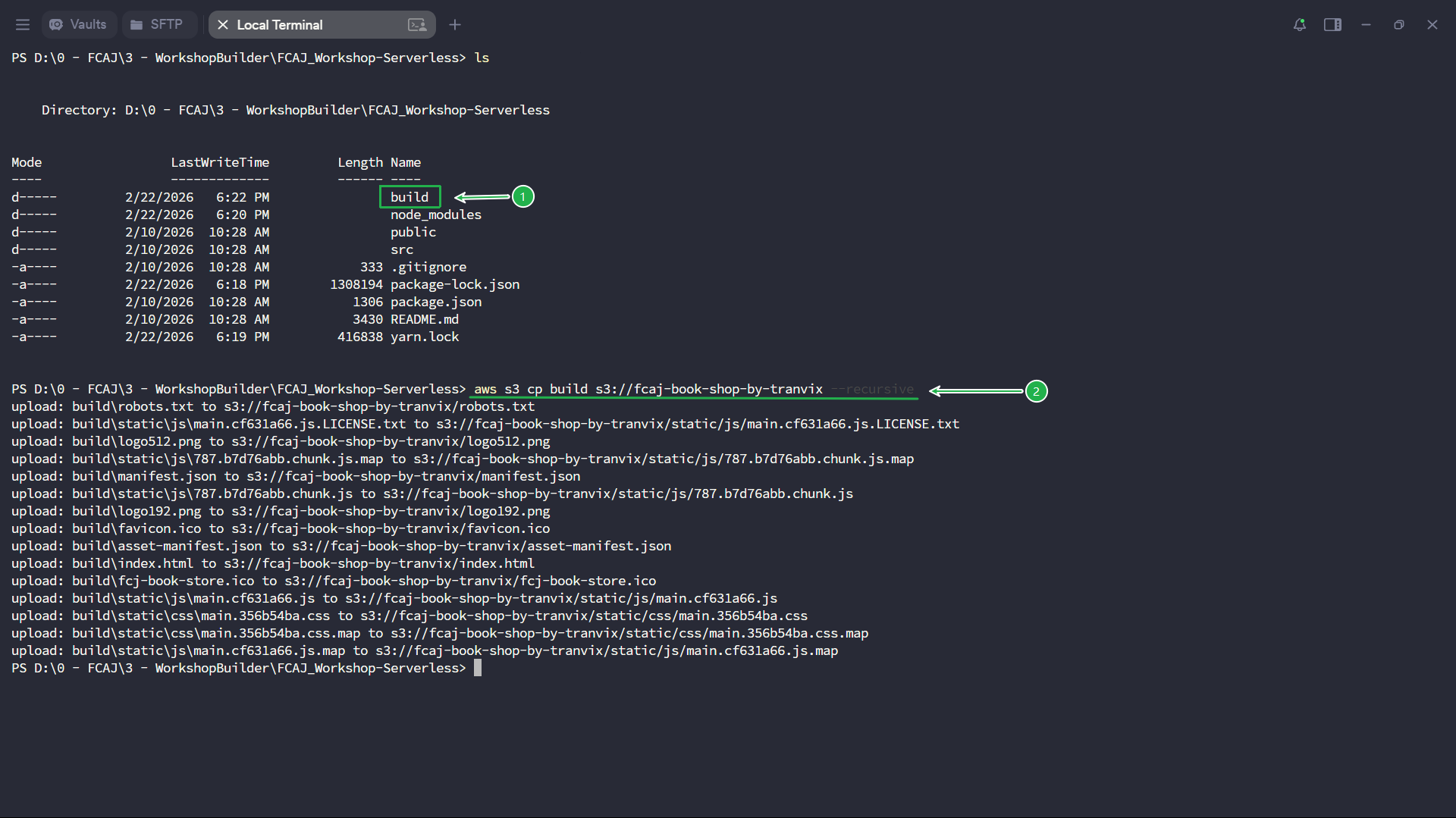
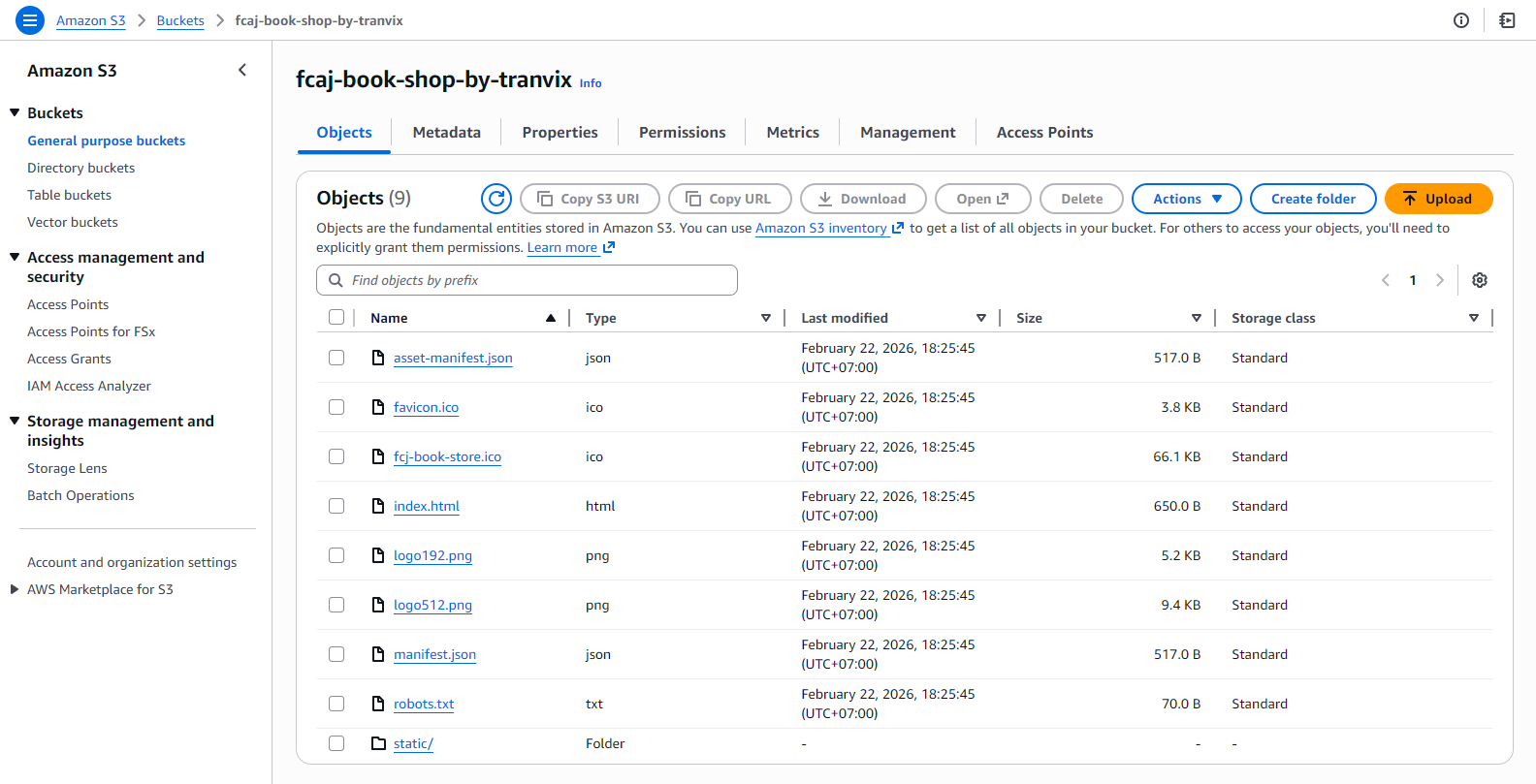
Verify that all files were uploaded successfully by checking the Objects tab of your S3 bucket.
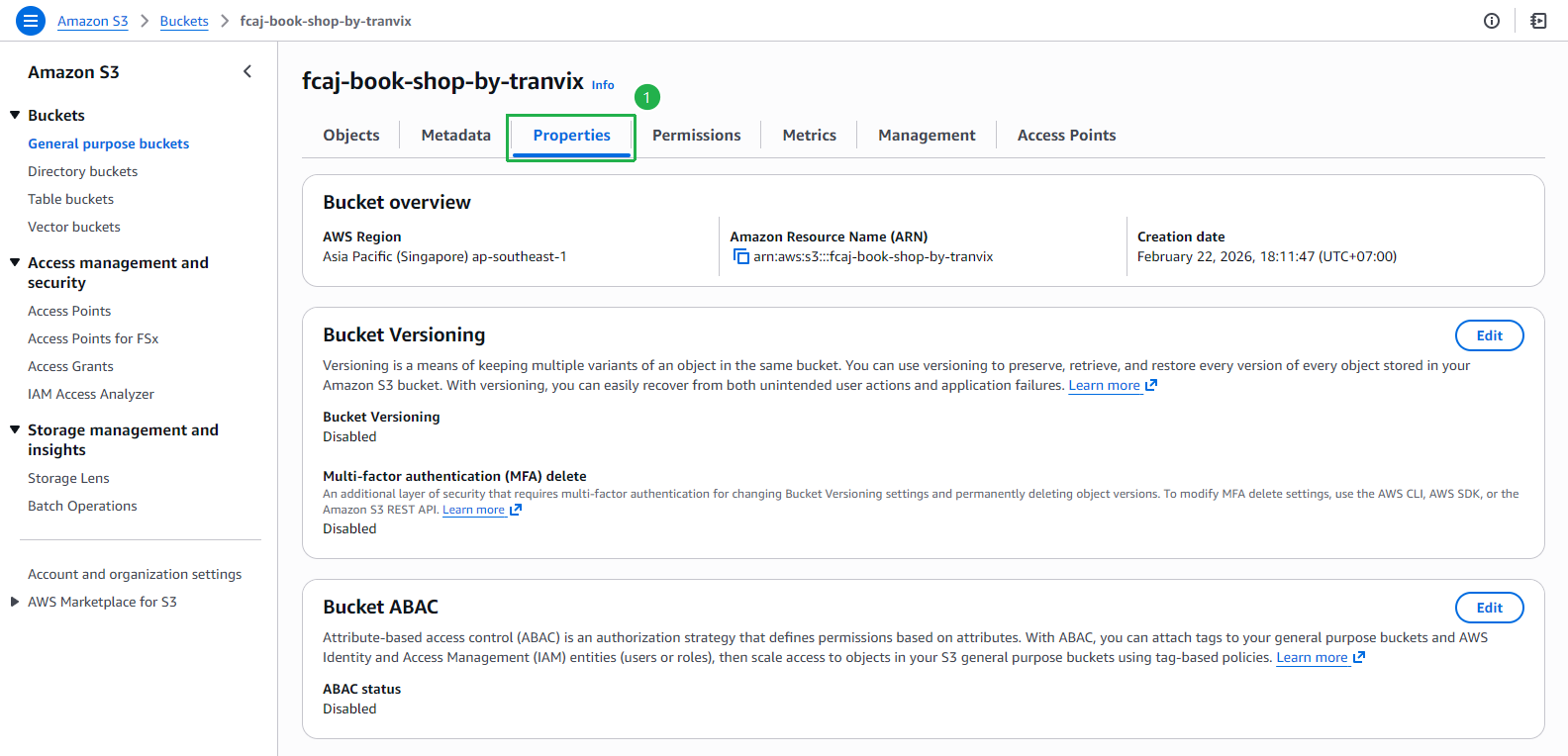
In the S3 bucket Properties tab, scroll down to Static website hosting and copy the Bucket website endpoint URL.
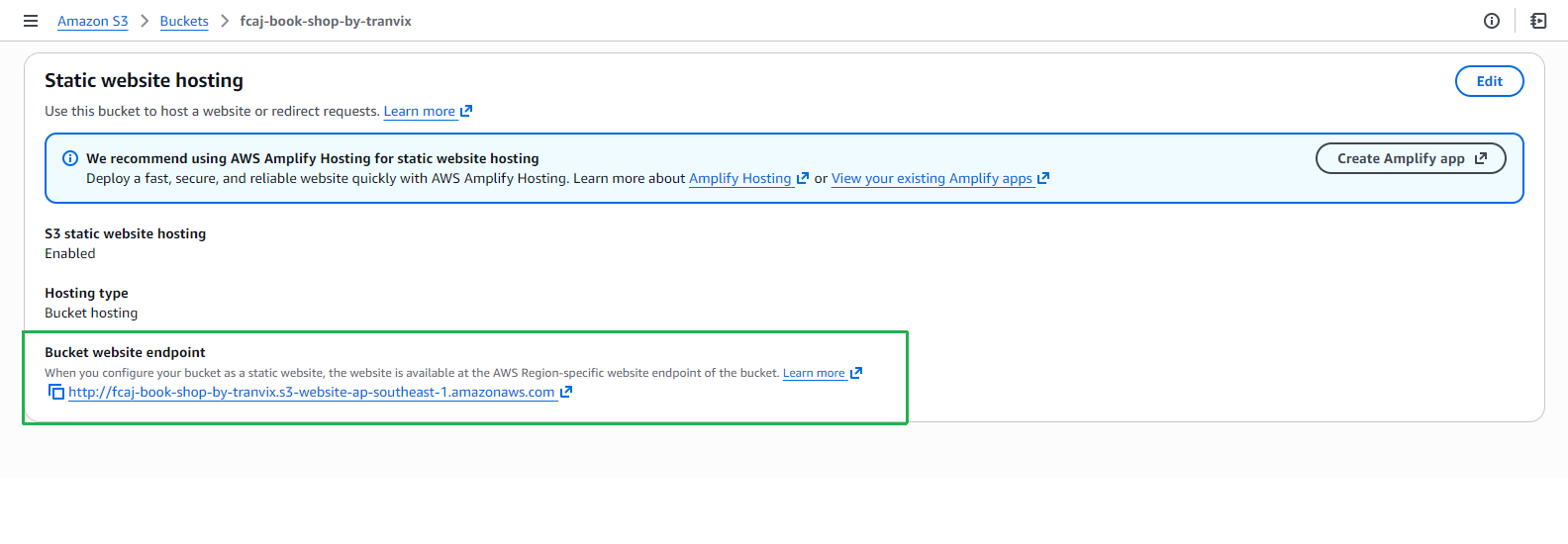
Open the endpoint URL in your browser to confirm the application is running correctly.
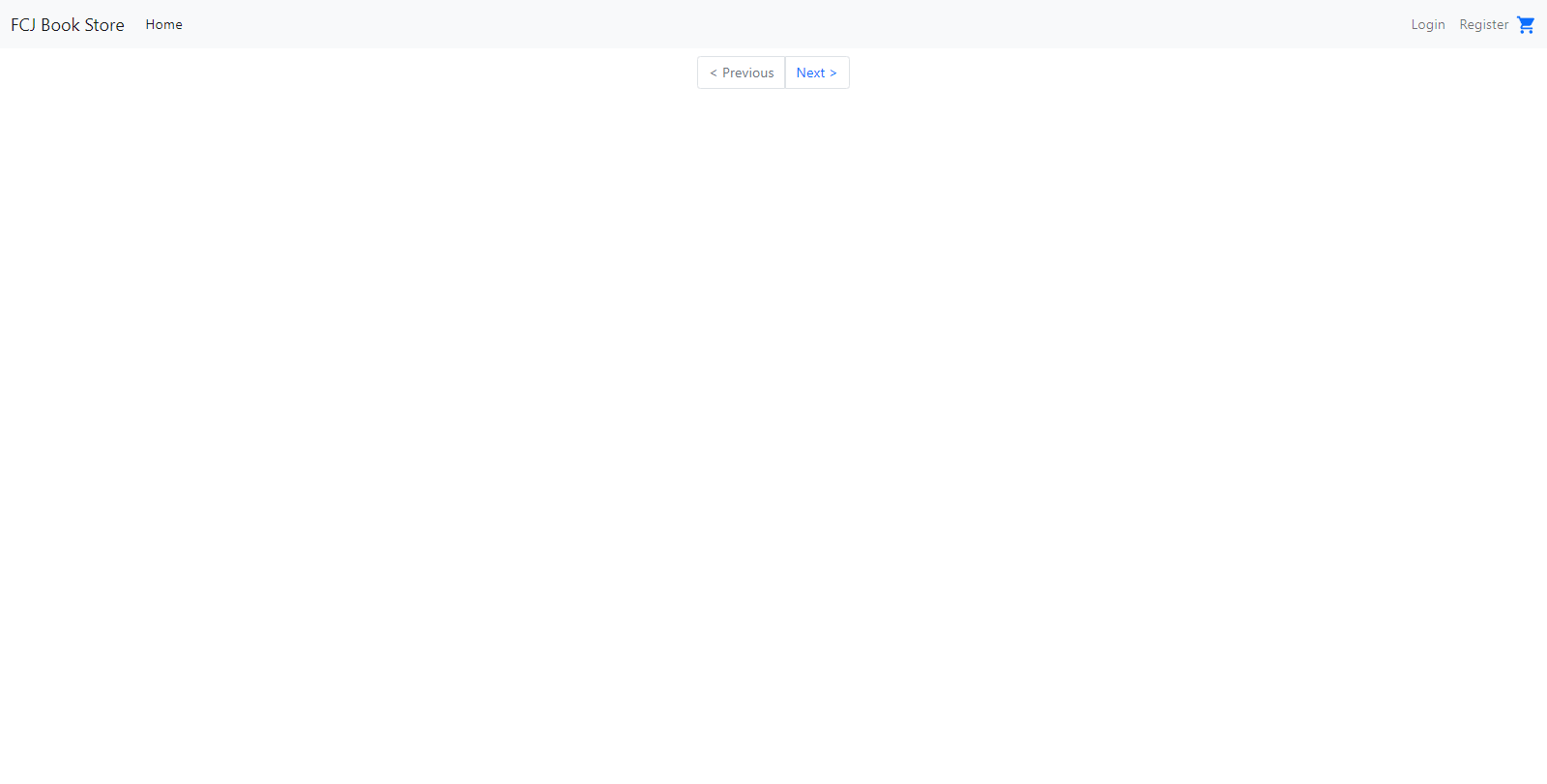
We have successfully rebuilt and deployed the web application. We are now ready to proceed with the main workshop content.